Requesting a withdrawal is the moment when your in-app balance turns back into real money, so it is natural to watch it closely and wonder what happens next. The process usually involves a request inside the app, a short wait while it is reviewed, and then a transfer to the destination you linked in your account. Knowing the normal steps in advance makes the wait easier and helps you spot the difference between an ordinary delay and a real problem. The Jojo 66 apk guide explains withdrawals in general terms, and this article walks through what to expect after you tap the request button, without inventing any figures or timelines.
Before You Make a Request
A smooth withdrawal starts before you even open the withdrawal screen. Check that your account details are correct and that your bank or payment details are linked properly inside the app, because a small error here is the most common cause of a failed request. Also check your balance and make sure the amount you want to withdraw is available and not tied up in an unfinished game or bonus condition. Read any notes shown on the withdrawal screen itself, since they describe the options and requirements for your own account. Doing these checks first saves you from a rejected request and the wait that comes with trying again.
Placing the Request Inside the App
When you are ready, open the wallet or withdrawal section, choose the destination you have linked, and enter the amount you wish to take out. Read the summary screen carefully before you confirm, checking the amount and the destination one last time. After confirmation, the app should show a message that your request has been received, and the amount may move from your available balance into a pending state. Keep a note of the time and the amount, and if the app gives you a request number or reference, save that too. This record is useful if you later need to ask support about the request.
While Your Request Is Being Processed
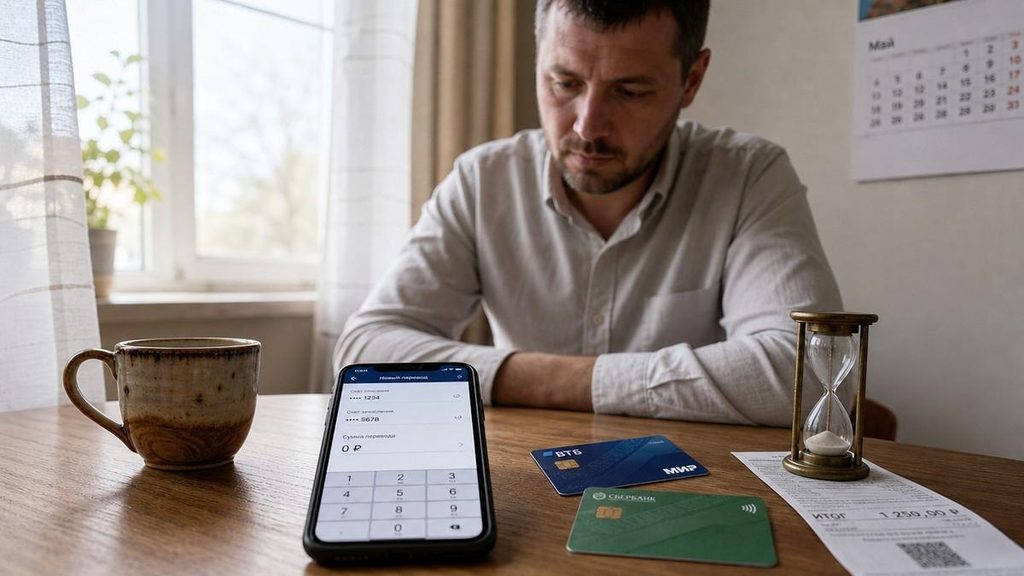
After you request a withdrawal, the platform usually reviews it before sending the money, which means there is a waiting period. The length of that wait can vary, so do not assume a fixed time, and check the status inside the app rather than guessing. The jojo 66 app guide is an independent information site, not the official app, so it cannot tell you the status of your request, and only the app itself can show whether it is pending, approved, or completed. Avoid placing a second request for the same money while the first is still processing, because a duplicate can complicate matters and slow everything down.
Checking the Status and Your Balance
Most apps keep a history of withdrawals where you can see each request and its current state. Look there first if you are wondering what happened, and compare it with your own bank or wallet to see whether the money has arrived. If the status has not changed for a long time, read any messages or alerts in your account, because the platform may be asking you to confirm a detail or correct something before it can proceed.
If Something Goes Wrong
Occasionally a withdrawal is delayed or rejected, and the first step is to stay calm and gather the facts. Check that your linked details are correct, look at the request history for a reason or message, and review whether the amount met any requirements shown on the withdrawal screen. If you cannot see a reason, contact the app’s support through the help section inside the app, and describe your request with the date, amount, and any reference number you saved. Keep your messages polite and factual, and keep copies of any replies. Most problems have a simple explanation, such as a wrong detail or a missed step, and a clear description helps support resolve it faster.
Withdrawing from the app is a process of careful checks, a single confirmed request, and a patient wait while it is reviewed. Prepare your account details first, confirm the amount and destination, and then follow the status inside the app instead of submitting repeat requests. If a delay appears, check your history and messages, and contact support with the exact details of your request. With that approach, you will know at each stage what is happening, and you will be ready to act calmly if anything needs your attention.